Changelog

Follow new updates and improvements to ABLE.

✨ ABLE January 2026 Release Notes: New Year, New Powers
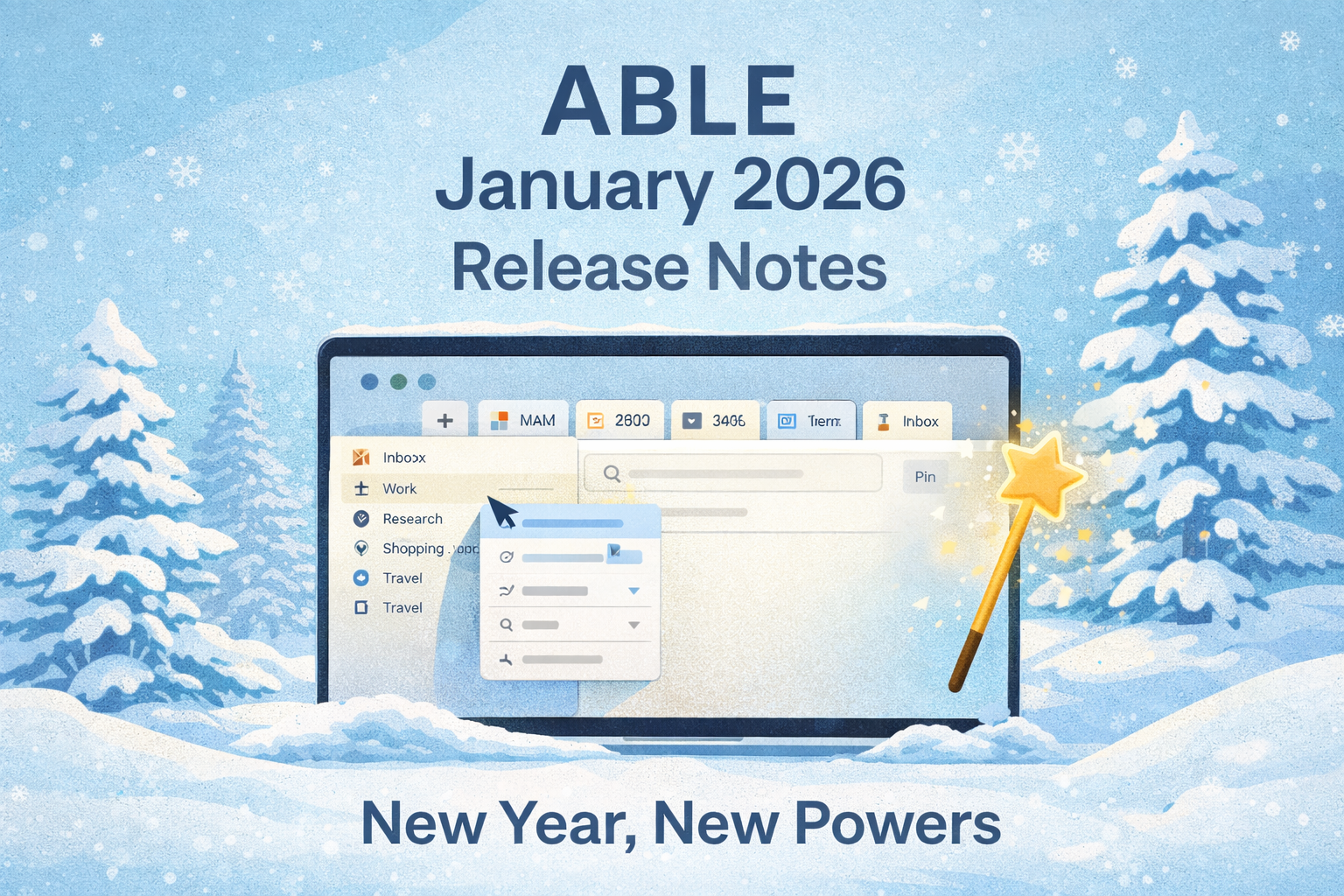
The new year has begun, and with it comes a release packed with some seriously satisfying upgrades. From smarter tabs to smoother context management, ABLE is leaner, quicker, and more visual than ever. Let’s take a tour of what’s new in your favorite productivity space.


🚀 New Features

  • Drag & Drop Website Tabs

    Move website tabs directly from Unpinned Tabs into Inbox Views in the Library screen. Organizing on the fly just got easier.

  • Favicon Indicators for Pinned Tabs

    Every tab now shows its tiny, shiny favicon, so your visual memory can take over.

  • Quick Add Web Link to Context Views

    Just a few taps, and your favorite resources are exactly where they belong.

  • Local Image Support for Editor

    You can now view, insert, and paste images into text blocks:

    • Drag in from disk or Vault

    • Paste directly from clipboard

      Visual thinking? We’ve got you.

  • “Turn Into” in Editor Menu

    Transform blocks with a click: turn a paragraph into a list, or text into a heading.

  • Create Contexts Wherever You Are

    Add a new context directly from the Sidebar.

  • Duplicate Tabs Across Contexts

    Need same tab in two contexts? Now you can duplicate it and send it over.

  • Hide/Show Sidebar

    Minimalists, rejoice: Collapse the sidebar and enjoy your undiscructed focus.

  • Reveal in Finder/Explorer

    One click to find your folders or contexts on disk — easy, intuitive, native.


🎯 Quality-of-Life Improvements

  • Pinned Tabs Got Smarter

    Their behavior is now a bit more predictable and consistent. Bliss.

  • Zoom Zoom

    Use CMD + Shift + /- to adjust your interface scale.

  • Adjust Sidebar Width

    Resize sidebar sections to suit your flow. Precision feels good.

  • Quick Switch Between Contexts

    Swap spaces in seconds. It’s like teleportation for your brain.

  • Scroll Position & Cursor Focus Remembered

    Your writing flow now resumes exactly where you left it.

  • Auto-Expand Folders in Sidebar

    Opening a context? Its folder contents reveal themselves. Magic.

  • Recognize & footer-show Links on Hover

    Small touch. Big clarity.


🐞 Bugs? What Bugs?

Hundreds of them were hunted, squashed, and sent into the void. Your experience is smoother, faster, and cleaner than ever.


That’s it for this update!

Let us know what you think and what you’d love to see next —

We’re building this space for you.

— The ABLE Team
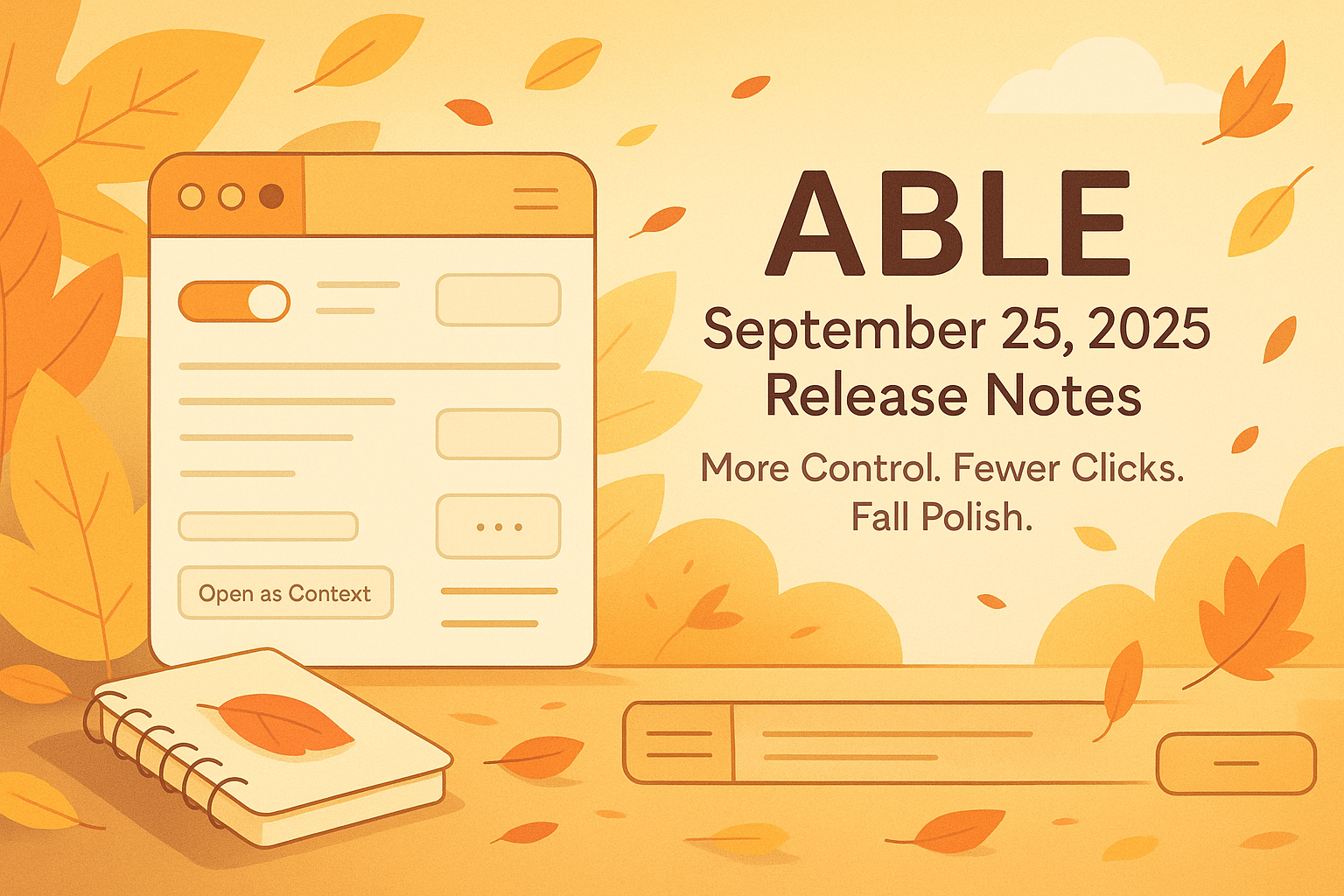
🍂 ABLE Release Notes — September 25, 2025

Small Things, Big Joys — More Control, Fewer Clicks, and a Touch of Fall Polish 🍁

Hello ABLE friends!

September is here, and with it comes a fresh wave of features, playful polish, and smart improvements — all designed to make your flow smoother, more intuitive, and dare we say, a little more fun.

Here’s what we’ve packed into this cozy autumn update:


✨ Improvements

  • Toggle Views in the Library

    Choose if you want to see the views (or if you don’t). The new toggle gives you more clarity and control.

  • Ellipsis Menus for Pages

    Finally! A compact menu for every page — just one click for actions like rename, duplicate, or delete.

  • Drag & Drop to Vaults and Contexts

    Drop your items straight into the root of Vaults or Contexts — fast, easy, intuitive.

  • Media Playing Indicators on Tabs

    See which tabs are playing audio or video at a glance — no more guessing who’s making noise.

  • Hovering over links now shows URLs (yey!)


🧹 Quality-of-Life Improvements

  • New Creation Menus (in Context & Library screens)

    A quick way to add items right where you need them, with fresh, clean menus.

  • Horizontal Divider in Context View

    Organize your views with a simple horizontal line and instant access to “Open as Context” or “Pin/Unpin”.

  • Sticky Breadcrumbs & Menus

    No more losing your way in a file. Breadcrumbs and context menus stay visible while you scroll.

  • Cleaner spacing between editor panes and blocks

  • Crisper, friendlier URL display across the app

  • Drag-and-drop just got smoother and smarter

  • Right-click menus now appear on empty areas too

  • Brand-new folder icons (empty vs. full!) + refined folder behavior

  • Updated shortcut for “Paste without formatting”

  • Breadcrumbs got a mini glow-up (yes, again!)

  • Inbox respects your folders — new items don’t get lost anymore


🐞 Bugs, Begone

  • PDF rename now keeps the extension (and opens correctly!)

  • PDFs opened via search no longer become Markdown goblins

  • CMD+Z doesn’t randomly delete your content anymore

  • Search modal stays open even if you open results in background

  • Tree elements behave nicely now when creating or renaming

  • Context menu-created items now land in the right place


That’s a wrap for September! 🍂

As always, your feedback helps us grow. Let us know what made your day easier — or what still needs a little love.

Happy creating,

— The ABLE Team 🚀

🚀 ABLE August 14, 2025 Release Notes

Smarter Blocking, Smoother Flow, Fewer Glitches

Hey ABLE users 👋

We’re back with another round of updates designed to make your digital workspace smarter, cleaner, and a lot more pleasant to use. This month we’re introducing a long-requested feature, some thoughtful quality-of-life improvements, and a satisfying list of bug fixes.

Let’s get into it 👇


✨ New Feature

🔇 Adblock (finally!)

You asked. We built it. Enjoy a cleaner web experience inside ABLE with our new built-in ad blocker.


🧠 Quality of Life Improvements

⌫ Delete Blocks with Backspace

Now you can quickly remove a block in the editor using the backspace key—just like you’d expect.

🧩 Unified View Icons

We’ve updated all view icons across the app for consistency and visual clarity.

🔗 Better Link Suggestions

When linking content to a view, website items now appear in the Suggestion Block to help you connect faster.

📐 Tighter Layouts

We’ve refined the spacing between the pane container and editor blocks—cleaner, sharper, more pleasant to work in.


🐞 Bug Fixes

  • ✅ YouTube progress bar now works—clicking to seek behaves as expected.

  • ✅ Views now properly appear in the Suggestion Block when linking with Option+L.

  • ✅ No more crashes when dragging a bulleted block into a higher position in another list.

  • ✅ Fixed weird scrolling behavior when returning to a site opened in a background tab.

  • ✅ Linking a folder no longer deletes its view with a web tab or wipes unpinned tabs.

  • ✅ “Paste” now inserts text into the right block, not the previous one.

  • ✅ Context menu “Paste” now correctly inserts clipboard content.

  • ✅ CMD+Click opens links in a background tab (as it should).

  • ✅ Pressing Enter in the address bar now shows the current URL instead of clearing it.

  • ✅ File and folder name validation is now consistent across creation and renaming.


That’s it for this round! As always, your feedback fuels everything we do—keep it coming.

Stay focused, stay sharp,

— Team ABLE ✨

Earlier updates